
Download Web Boomerang – Offline Web Access, Webpage Content Saving, Productivity Tool
Overview
Web Boomerang is a mobile utility designed to enable users to access and interact with website content offline. Its primary purpose is to allow individuals to save specific components of web pages—such as text, images, and multimedia—for later use, even when internet connectivity is unavailable. This functionality makes it particularly valuable for professionals, students, and researchers who rely on consistent access to digital resources across varying network conditions.
The app addresses the common challenge of limited or unstable internet access by providing a reliable way to preserve and revisit web-based information. Users can extract and store relevant content from any webpage, reducing dependency on real-time connections. This feature is especially useful in remote locations, during travel, or in low-bandwidth environments.
Target users include content curators, educators, digital archivists, and anyone who frequently references online materials. While the developer has not provided additional background, the app’s long-standing presence since its release on December 22, 2006, suggests a mature product with established functionality. Real-world use cases include saving instructional guides, research articles, or promotional content for offline review.
Within the mobile app ecosystem, Web Boomerang fills a niche for offline-first tools, offering a streamlined alternative to browser-based saving methods. It stands out as a dedicated solution for those who prioritize content preservation and accessibility without relying on cloud sync or browser history.
Key Features & Functionality
- User-Friendly Interface: The app features an accessible design that supports intuitive navigation, making it suitable for users of all technical skill levels. This ensures that even non-technical individuals can quickly learn how to use the app without extensive training.
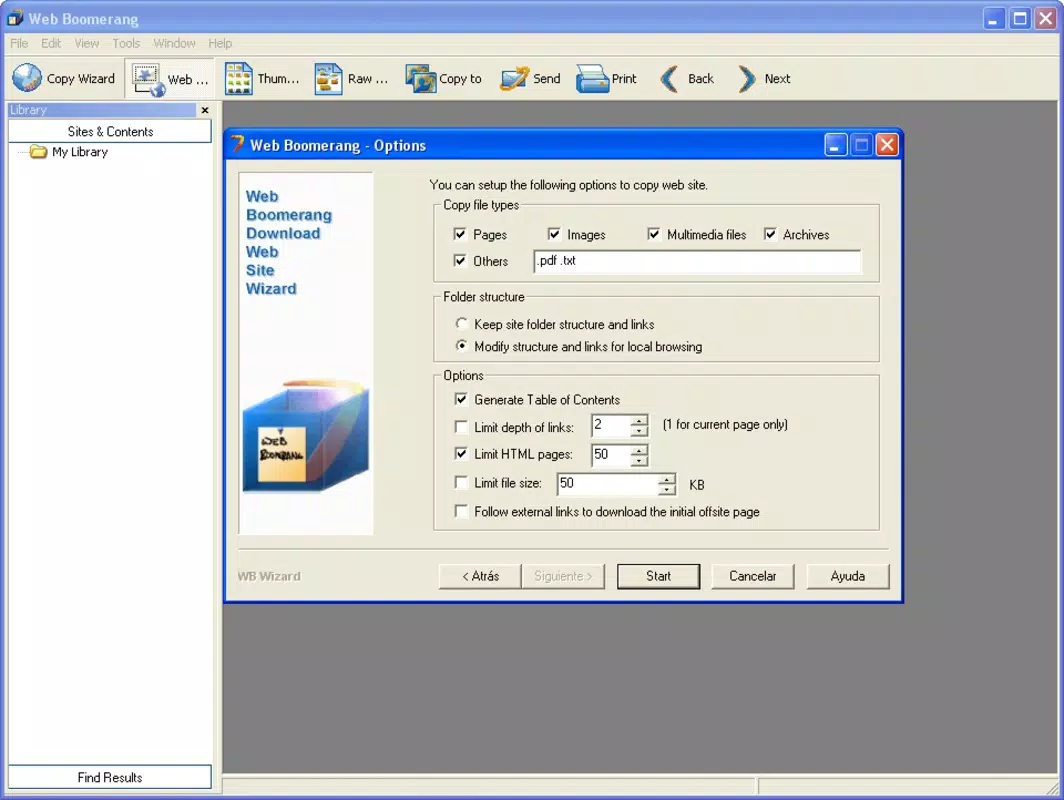
- Customizable Downloads: Users can select specific elements from a webpage—such as images, text blocks, or multimedia files—using built-in filtering tools. This selective approach allows for efficient storage and reduces unnecessary data usage.
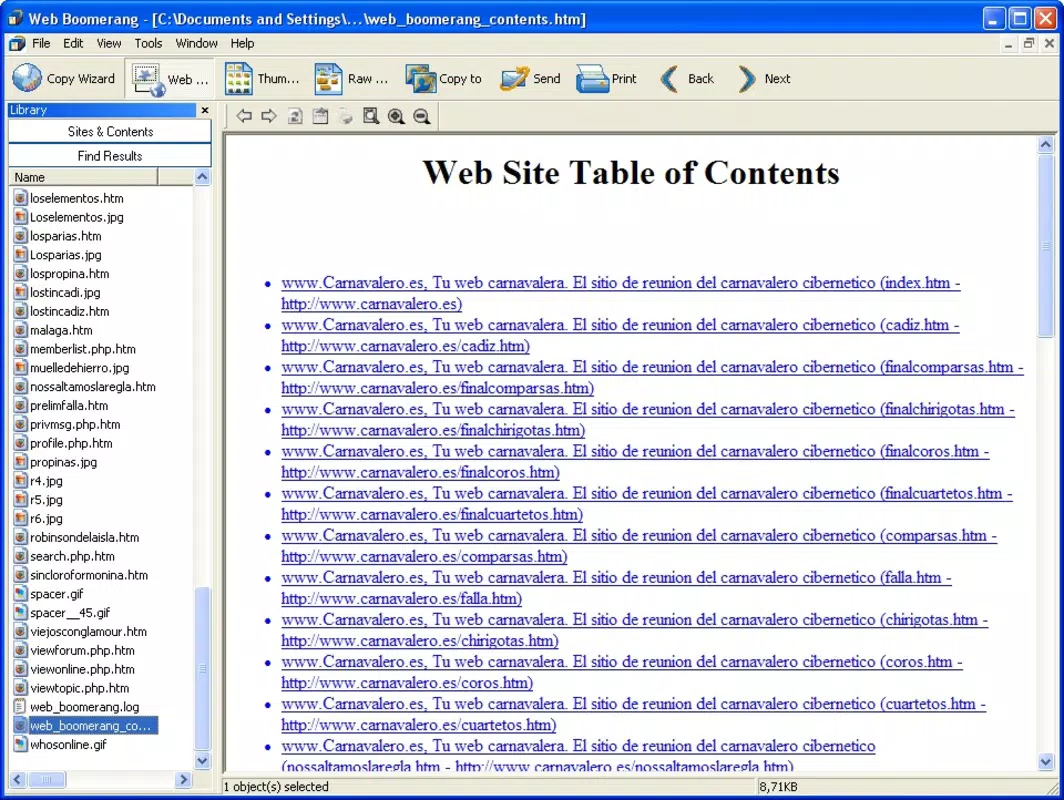
- Offline Browsing Experience: Once content is downloaded, it can be viewed and navigated locally, simulating an active internet session. This enables seamless access to saved materials without requiring an active connection.
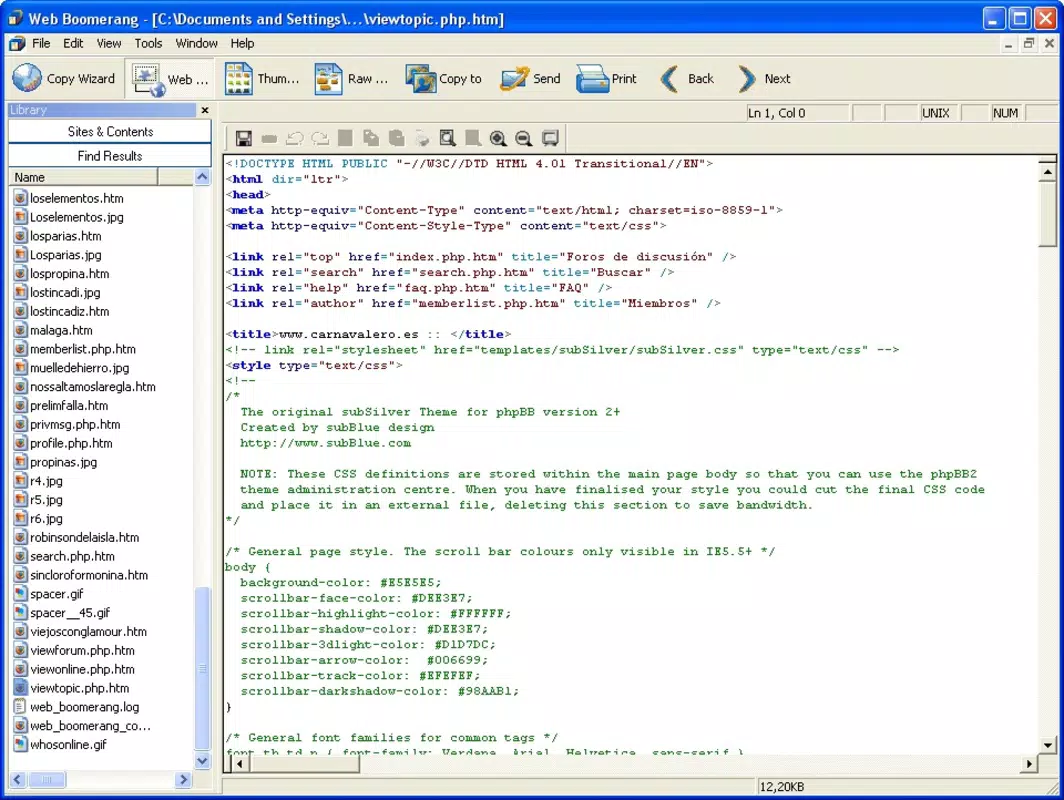
- Multiple Viewing Modes: The app supports various display formats, including thumbnails, list views, and web-style rendering. This flexibility allows users to organize and review downloaded content based on personal preference or task requirements.
- Content Preservation: Web Boomerang enables users to retain the structure and formatting of web content, ensuring that saved materials remain readable and functional after download.
For example, a student preparing for exams might use the app to download lecture slides and supplementary articles, organizing them in thumbnail mode for quick review. Similarly, a journalist on assignment in a remote area could save key sources for offline reference. The ability to filter content ensures that only relevant data is stored, optimizing device storage and improving retrieval speed.
Interface, UX & Performance
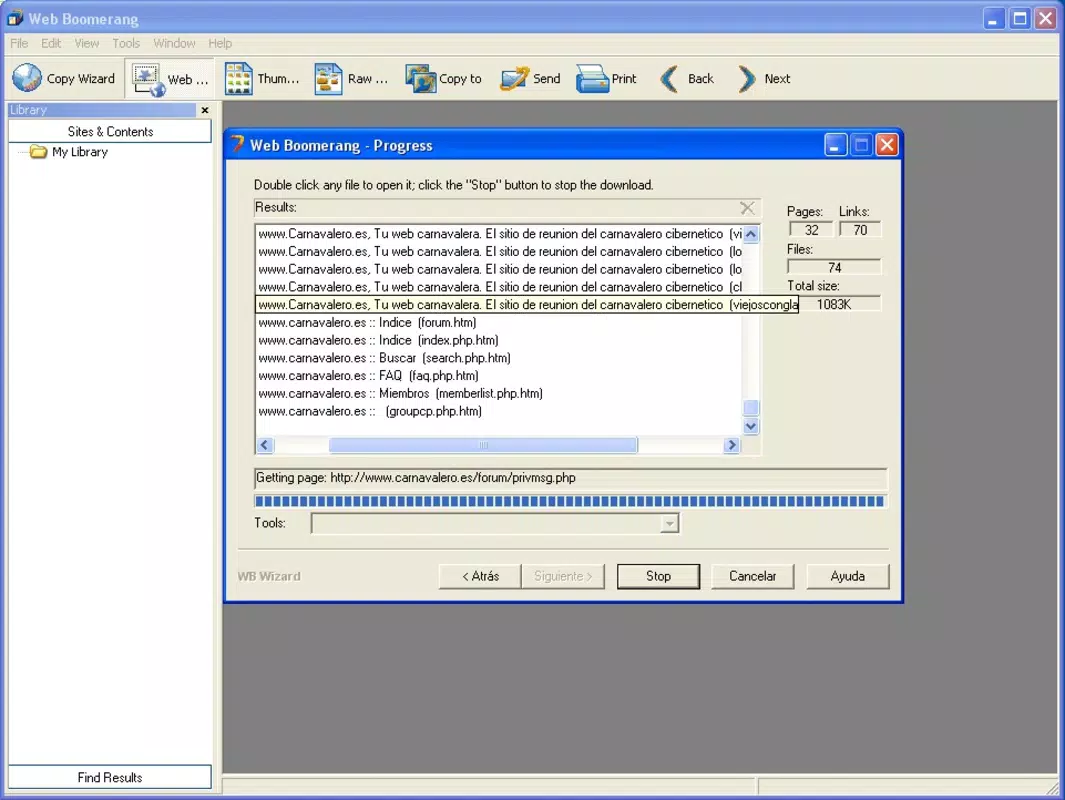
The interface of Web Boomerang is designed with simplicity and accessibility in mind. Navigation appears to follow a linear, task-oriented flow, guiding users through the process of selecting, filtering, and saving web content. Visual elements are minimal, focusing on functionality rather than ornamentation, which enhances usability across different screen sizes.
Interaction patterns suggest a consistent layout, with clearly labeled buttons and menus that reduce cognitive load. The app’s responsiveness appears to be optimized for basic operations, though the developer did not list formal performance metrics. Users can expect smooth transitions between viewing modes and efficient loading of downloaded content.
Although the developer did not specify minimum OS requirements or performance benchmarks, the app’s long history implies stability across multiple device generations. Compatibility with modern smartphones is likely, but confirmation is not available. The app’s lightweight design suggests it can operate efficiently on devices with moderate processing power and storage capacity.
Overall, the user experience is focused on utility and reliability. The absence of cluttered menus or intrusive ads contributes to a clean, distraction-free environment. This makes it ideal for users seeking a no-frills tool for managing web content offline.
Platform Compatibility & Technical Requirements
Web Boomerang is available on the Android platform, with a software version that has not been specified. The app’s file size is listed as 2.4 MB, indicating a lightweight footprint suitable for devices with limited storage space.
The developer did not specify minimum OS requirements or compatibility details beyond the platform. As such, users should verify whether their device meets the necessary system conditions before installation. The app’s release date of December 22, 2006, suggests it was originally developed for early mobile systems, which may impact its functionality on newer operating systems.
Given the age of the app, it is possible that updates have been made to maintain compatibility, but no official information is available. Users are advised to check for updates through trusted sources and ensure their device supports the required environment.
Pros and Cons
Pros
- Enables offline access to web content, ideal for low-connectivity areas
- Offers customizable download options with filtering capabilities
- Supports multiple viewing modes for flexible content organization
- Lightweight file size (2.4 MB) reduces storage impact
- Intuitive interface suitable for users of all experience levels
Cons
- Developer did not provide detailed technical specifications or OS requirements
- App release date is from 2006, raising potential compatibility concerns
- No information on update frequency or ongoing development
- Compatibility with current Android versions is not confirmed
- Limited public feedback or performance data available
FAQ
Is Web Boomerang available for iOS devices?
The app is currently listed as available only on the Android platform. No official iOS version has been announced.
Can I download entire websites with Web Boomerang?
While the app allows users to save individual components of web pages, the ability to download entire websites is not confirmed. Users should refer to the app’s documentation for specific capabilities.
Is Web Boomerang free to download and use?
The app’s pricing information was not provided. Users should check the official source for current pricing and licensing details.
How often is Web Boomerang updated?
The developer did not disclose update frequency. Users are advised to monitor official channels for the latest version and security patches.
Is Web Boomerang secure to use?
As with any app that accesses web content, users should ensure they download it from trusted sources. The developer did not provide information on data encryption or privacy policies.
Final Thoughts + CTA
Web Boomerang remains a unique tool in the mobile productivity landscape, offering a focused solution for offline web content access. Its combination of customizable downloads, multiple viewing modes, and an intuitive interface makes it a practical choice for users who frequently need to save and review online materials without an internet connection.
While the app’s age raises questions about modern compatibility, its lightweight design and proven functionality suggest it may still serve niche users effectively. Those who value content preservation and offline accessibility will find value in its capabilities.
Despite the lack of updated technical details, the app continues to fulfill its core purpose with clarity and precision. For professionals, students, and researchers operating in variable connectivity environments, Web Boomerang presents a dependable utility.
Download Web Boomerang now


